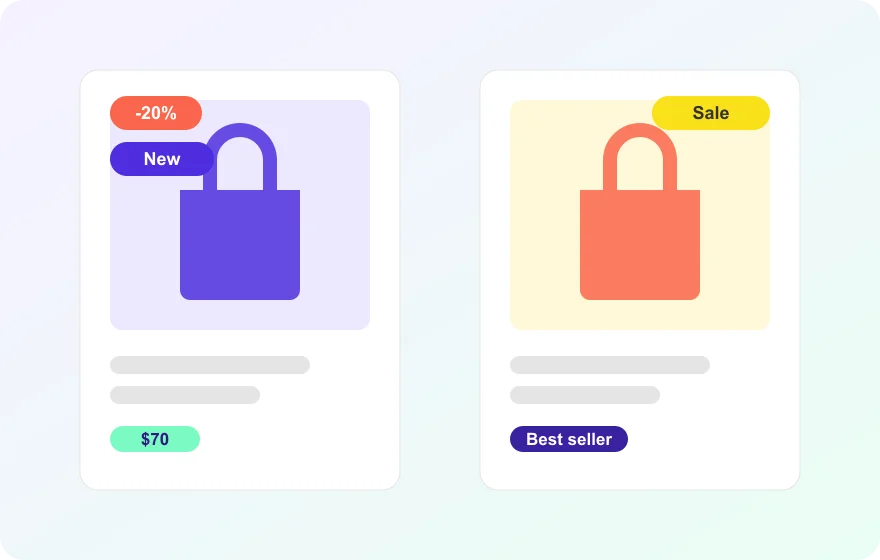
Product Label Configuration object
Labels are created in the custom object editor with an ID, display text, description (typed HTML or the built-in editor), shape, hex color codes for text, background and border, border radius in pixels, and a custom CSS class.
Assignment by ID on products
A Product Label Configuration IDs field added to the product form links labels to products; the value must match the label ID exactly, and a product can carry several labels.
Tile position control
Merchant Tools, Custom Preferences, Product Badges group sets the labels container position on the listing page: top-left by default, top-right, bottom-left or bottom-right over the product image.
Detail-page placement
On the product detail page labels always render under the product title, independent of the listing position setting.
Description modal
A label whose configuration includes a description opens a modal with that text when clicked; labels without a description stay non-interactive.
Mobile-ready
Labels display correctly in mobile views on both listing and detail pages, and the modal works there too.
Extensible shapes
Rectangle is supported today; additional shapes are planned for upcoming versions.